
Instagram dropped a brand-new feature called Instants on May 13th, and let's just say creators have feelings about it…
The feature is designed to let you share disappearing snapshots in real time, like a mashup of Snapchat and BeReal.
Instants disappear after they're opened by someone and can't be viewed after 24 hours.
Sounds fun in theory, right?
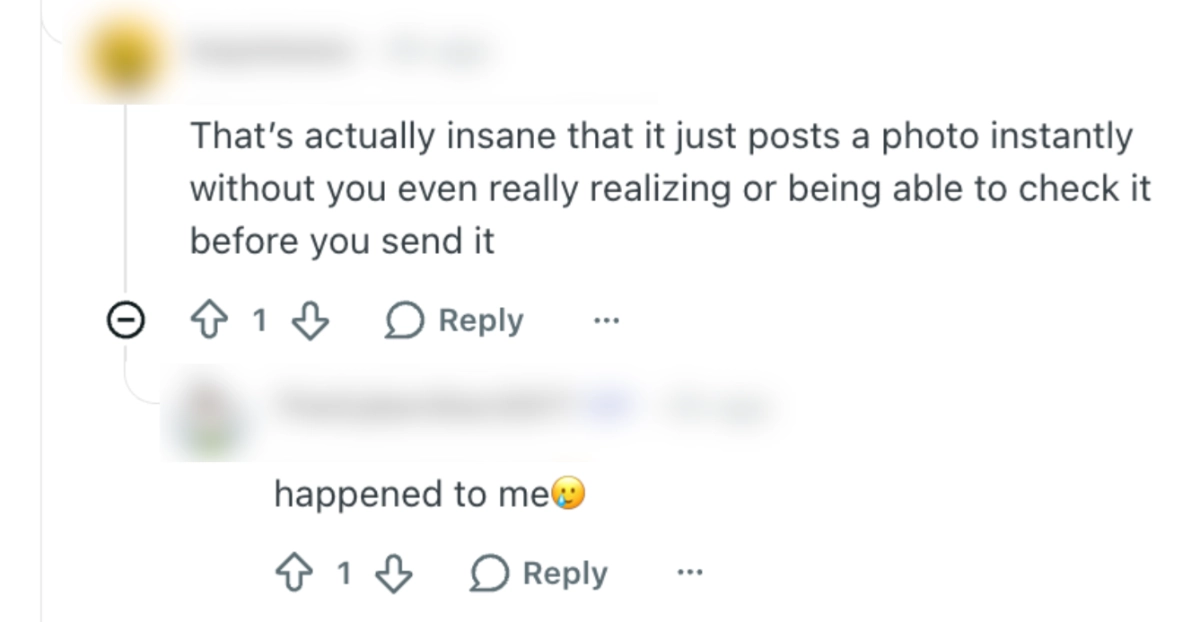
The problem is a lot of people are finding out the hard way that the moment you tap that shutter button, the photo is immediately sent to everyone on your Friends list without a review screen!
People all over Instagram, X, and Reddit are sharing their stories accidentally sending their selfies:
Instagram does offer an "Undo" button right after you shoot, but it's super easy to miss in the chaos of realizing what just happened.
By default, Instants are sent to all your “Friends”, not just “Close Friends.” You have to manually switch this before you shoot, which most people don't realize until it's too late.
The feature shows up as a little photo stack icon in the bottom-right corner of your inbox. Tap it, and Instagram walks you through a quick intro but it skips over the most important detail: that hitting the shutter is the same as hitting "Send."
For an app where most of us are used to carefully curating every post, that's a big shift that catches a lot of people off guard.
How to turn off Instants
If you'd rather not deal with Instants at all, turning it off takes just a few taps:
- Head to your profile and tap the three-line menu in the top right corner.
- Open Settings and scroll down to Content Preferences.
- Toggle on "Hide Instants in Inbox."
Once that's on, Instants will disappear from your inbox entirely. You won't see the feature, and you won't see any that people send to you either.
If you prefer a temporary break rather than turning it off forever, you can press and hold the Instants pile in your inbox and swipe right to pause them for a while.
How to unsend an Instant you didn't mean to send
You've got a couple of options:
Undo immediately
Right after sending, an "Undo" button pops up below the shutter. Tap it fast. This retracts the photo before anyone sees it.
Delete from your archive
Tap the four-box icon at the top right of the camera to find your archive. Delete the Instant there, and it'll be unsent to anyone who hasn't opened it yet.
Keep in mind: If someone has already opened your Instant, unsending it won't erase it from their memory (or screen). Act fast if you can!
Still Not Seeing Instants Yet? That's Normal.
Instagram typically rolls out new features gradually, testing them in select regions before making them available to everyone worldwide, so if you haven't seen Instants show up yet, it's just a matter of time.
As for the feature itself, hopefully Instagram takes the hint and adds a simple confirmation step before firing off a photo. Until then, you've got everything you need to keep your privacy intact and avoid any more accidental shares!
